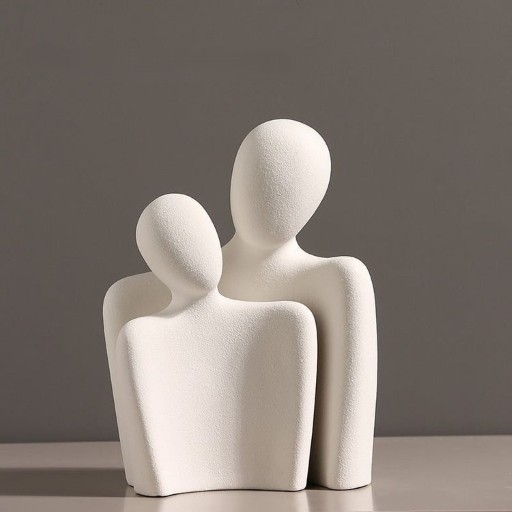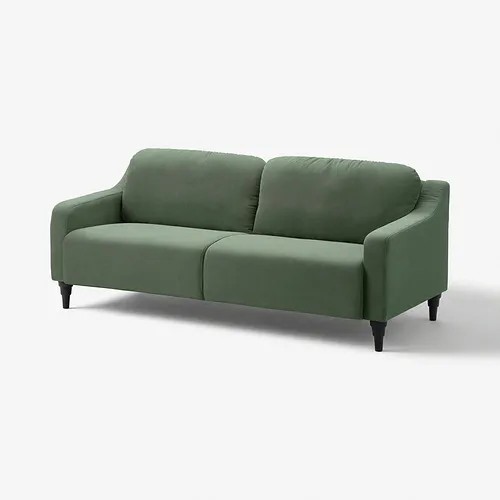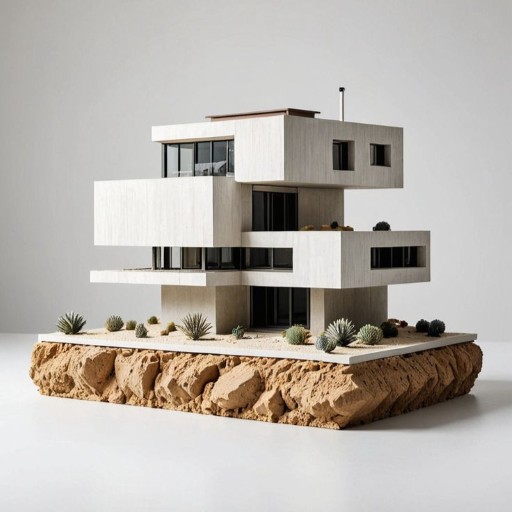
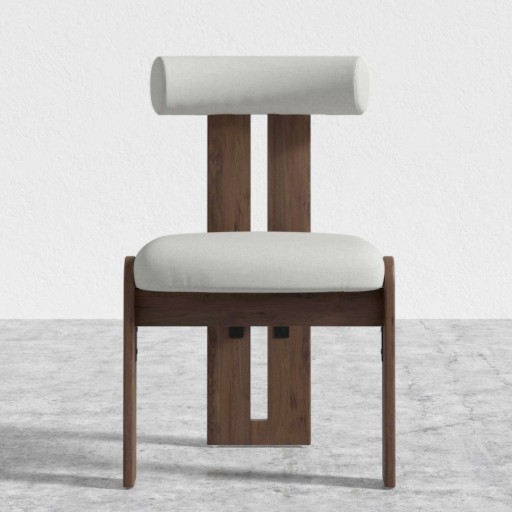
Built for furniture & small architecture

Turn one photo into a production-ready 3D model

Clean mesh · usable geometry · high detail — no modeling, no installation.
Drag an image here or click to upload
We'll turn it into a high-quality 3D model
Create 3D for Free
Free trial GLB / OBJ export Works in your browser
Optimized for furniture
Small architecture & props
One-click GLB export
Results in minutes
Why Auto3D

Models you can actually use

Tidy geometry and realistic materials — straight into your pipeline.

Scandinavian lounge chair rendered with detailed PBR leather and oak materials

High-fidelity PBR textures

Albedo, roughness and normal baked in — surfaces read right under any lighting.

Curved sofa shown as a smooth model and a clean blue wireframe mesh

Clean, usable geometry

Watertight meshes, sharp edges, sensible density — render, AR or print.

Walnut sideboard displayed in an Auto3D viewer with GLB and OBJ export options

GLB & OBJ export

A single GLB, or a full OBJ + textures bundle — opens in Blender, Unity, Unreal and more.

Auto3D furniture model shown inside a SketchUp-style modeling workspace

Continue in SketchUp

Use the generated model in SketchUp for scene building, presentations and spatial design.

Auto3D furniture model shown inside a Rhino-style modeling workspace

Refine in Rhino

Inspect, edit and develop the model further in Rhino for design and fabrication workflows.

Auto3D furniture model shown inside a Blender-style rendering workspace

Render in Blender

Add materials, lighting and animation in Blender for polished final renders.

Use cases

Made for spatial & product designers

Furniture catalogs

Turn product shots into interactive 3D for showrooms and websites.

Small architecture

Rebuild pavilions, kiosks and facades as lightweight 3D assets.

E-commerce 3D

Add view-in-3D and AR to product pages to lift conversion.

Game & AR assets

Bootstrap props and set dressing from reference images.

FAQ

Questions, answered

What file format do I get?
A standard GLB file with embedded geometry and PBR textures. It opens in Blender, SketchUp, Unity, Unreal, three.js / model-viewer, and most modern 3D tools.
Do I need any 3D modeling skills?
No. Upload an image, click Generate, and download the result. Everything runs in your browser — no software to install.
What images work best?
A single object — a piece of furniture or a small building — centered on a clean, uncluttered background. Front-facing product photos and clean renders convert best.
Can I use the models commercially?
Yes. Models you generate from your own images are yours to use in commercial projects, catalogs, games and AR experiences.
How long does a generation take?
Typically a couple of minutes per model, depending on the input. You can keep working while it runs and review the result when it's ready.
How much does it cost?
There's a free trial so you can test it. Each generation uses a small number of credits; failed generations are refunded automatically.

Turn your designs into 3D

Upload a photo and get a production-ready model in minutes. Start free — no installation required.

Create 3D for Free